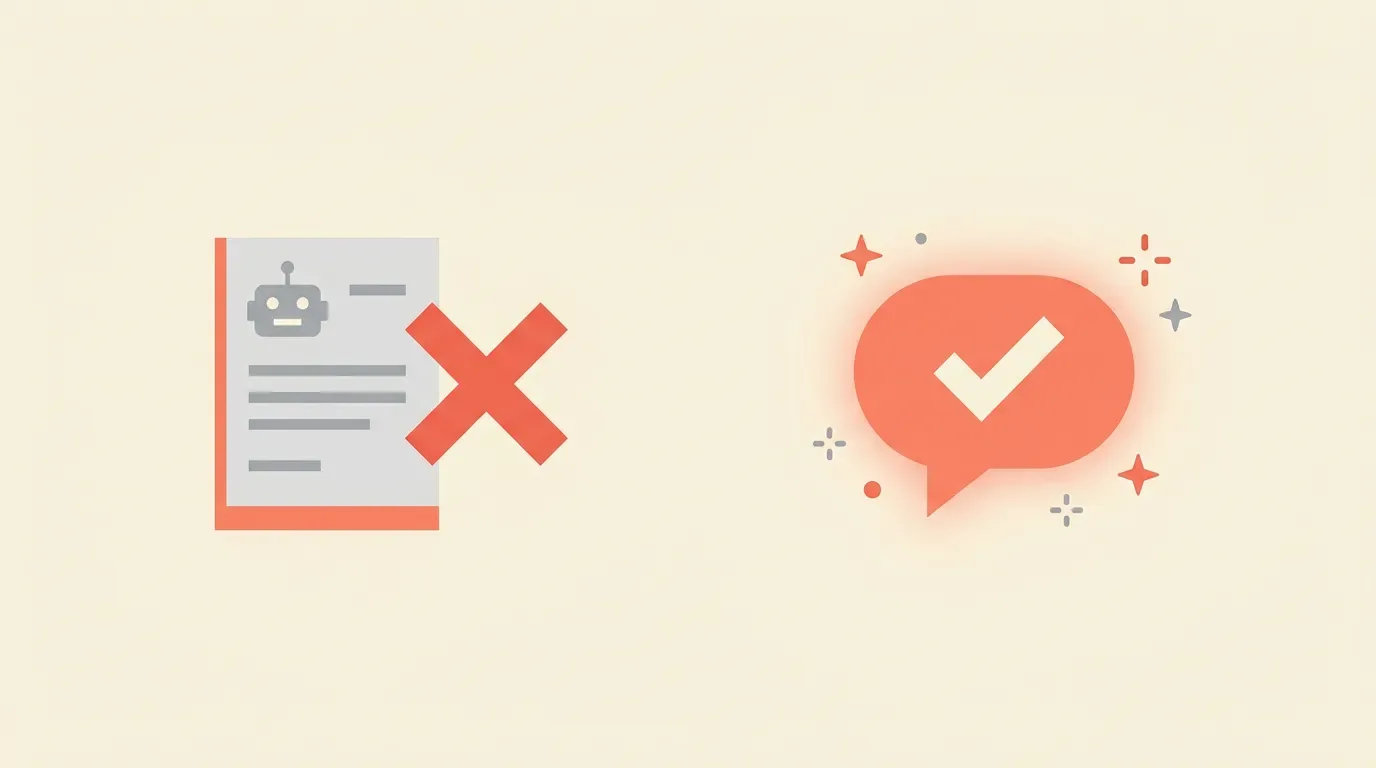
If you've been running a WooCommerce store for any length of time, you've almost certainly set up canned responses. A shortcut for "Where's my order?" A template for refund requests. Maybe a few macros in Help Scout or Gorgias that paste a pre-written reply with one click.
Canned responses feel like a win — and honestly, they are, compared to typing the same thing from scratch fifty times a week.
But they have a ceiling. And more and more store owners are hitting it.
The Problem With Canned Responses
Canned responses are static. They're written once, for the average case, and they stay that way until someone remembers to update them (which often means never).
That creates a few real problems:
1. They rarely fit the situation exactly.
A customer writes: "Hey, I ordered last Tuesday and it still hasn't arrived — this is really frustrating because it's a birthday gift that's supposed to arrive tomorrow."
Your "Where's my order?" canned response says: "Hi there! Your order is currently in transit. Please allow 5–7 business days for delivery."
It's not wrong. But it's also completely tone-deaf. The customer told you it's urgent and emotional. Your response reads like a ticket-closing machine.
2. You end up editing them anyway.
Good support agents don't just paste and send. They edit — they soften the tone, add the customer's name, reference the specific issue. So you're not actually saving as much time as you think. You're using a canned response as a rough draft, then fixing it manually.
3. They don't scale with your catalog or policies.
Your return policy changes. You add a new product line. Shipping times shift seasonally. Every one of those changes means updating canned responses — and most teams don't do it consistently. So you end up with outdated templates causing confusion or incorrect information going out the door.
4. Customers can tell.
Shoppers are increasingly savvy. A reply that starts "Hi there!" and clearly wasn't written for them reads as dismissive. It signals: we didn't actually read your email. For a $200+ purchase, that feeling erodes trust fast.
What AI Drafts Do Differently
AI-assisted email drafting isn't autopilot. It's not a bot that fires back an automated reply and closes the ticket. A well-designed AI draft system reads the incoming email, pulls in relevant context (order details, purchase history, the customer's tone), and generates a personalized draft for your agent to review and send.
The difference is subtle but meaningful:
Canned response: Pre-written → paste → edit if you remember → send
AI draft: Read email → generate contextual draft → agent reviews → send
Here's why that second workflow wins:
Speed Without Sacrifice
The slowest part of writing a support reply isn't the typing — it's the thinking. Reading the email, pulling up the order in WooCommerce, figuring out what to say, deciding on the tone. AI handles that cognitive load. Your agent opens the ticket and the draft is already there, personalized with the customer's name, the order details, and a response calibrated to the situation.
In practice, response time drops significantly. Not because you're skipping steps, but because the hard steps are done for you.
Every Reply Sounds Human
AI drafts are generated fresh for each email. They reference the specific issue, match the customer's urgency level, and use natural language. The customer doesn't get a templated wall of text — they get a reply that feels like a real person read their email and actually responded to it.
That's not just a nice-to-have. It directly affects customer satisfaction scores and repeat purchase rates.
Accuracy Tied to Real Data
Good AI draft tools connect to your WooCommerce store. They know the actual order status, not just a generic status category. If a customer asks about their refund, the draft can reference when it was processed. If they're asking about a return, it can pull the specific policy for that product category.
This is where canned responses fundamentally can't compete. They work off static text. AI drafts work off live data.
Consistent Quality at Scale
One of the hardest parts of running support during a peak period — Black Friday, a product launch, a shipping delay — is maintaining quality when volume spikes 3x. With canned responses, agents under pressure start skimping. They paste and send without reading carefully. Mistakes happen.
With AI drafts, the quality floor doesn't drop during busy periods. The draft is always thoughtful. The agent's job is just to confirm it's correct and hit send.
The "But AI Makes Mistakes" Objection
Fair concern. AI drafts aren't infallible. Occasionally they'll misread tone, suggest the wrong resolution, or draft something that doesn't quite match your brand voice.
But here's the key distinction: AI drafts require human approval before sending.
The agent always reads the draft. They're not bypassed — they're augmented. If the draft is 80% right, they fix the 20% in seconds. If it's off-base, they rewrite it. Either way, they're faster than starting from scratch, and nothing goes out without a human check.
This is fundamentally different from bots that auto-respond. Those systems do bypass your team and they do make embarrassing mistakes. Draft-based AI keeps humans in the loop — it just makes the loop faster.
When Canned Responses Still Make Sense
To be fair: canned responses aren't going anywhere, and they shouldn't.
For truly identical, high-volume situations — "here's your tracking link" or "here's a link to our return portal" — a canned response is fast and perfectly appropriate. Some interactions are genuinely transactional and don't need personalization.
The sweet spot is using canned responses for the fully-mechanical stuff, and AI drafts for anything that involves context, nuance, or customer emotion. In most WooCommerce stores, that's probably 60–70% of tickets.
A Practical Example
Let's say you get this email:
"I received my order but the wrong size was shipped. I need the correct size before Friday for an event. What can I do?"
A canned response for "wrong item received" might say: "We're sorry for the inconvenience. Please contact us with your order number and we'll arrange a replacement."
An AI draft, with access to the order details, might say: "Hi Sarah — I can see your order #4521 was shipped with the M instead of the L you ordered. I'm so sorry about that, especially with your event this Friday. I'm going to process an expedited replacement right now and send you a prepaid return label for the incorrect size. You'll get a shipping confirmation within the hour. Is there a specific delivery address I should use?"
One of those replies creates a loyal customer. The other creates a ticket that still needs to be resolved.
The Bottom Line
Canned responses were the right tool for a previous era of support. They still have a role. But the expectation bar for customer service has risen — customers expect fast and personalized, not fast or personalized.
AI email drafts aren't about replacing your support team. They're about removing the repetitive cognitive work so your team can focus on the part that actually matters: making sure the customer feels heard and helped.
If you're running WooCommerce and using Help Scout or Gorgias, LogicInbox does exactly this — it reads incoming support emails, pulls your WooCommerce order data, and drafts a personalized reply directly inside your helpdesk. Your team reviews and sends. No migration, no new tool to learn. Just better drafts, faster.
Want to see how AI drafts work in practice? Try LogicInbox free — setup takes about 30 minutes.